Remittance PDF Processing in Seconds
Remittance Go automates the extraction and reconciliation of data from varied PDF payment advice directly into your accounting software.
How It Works: From PDF to Paid

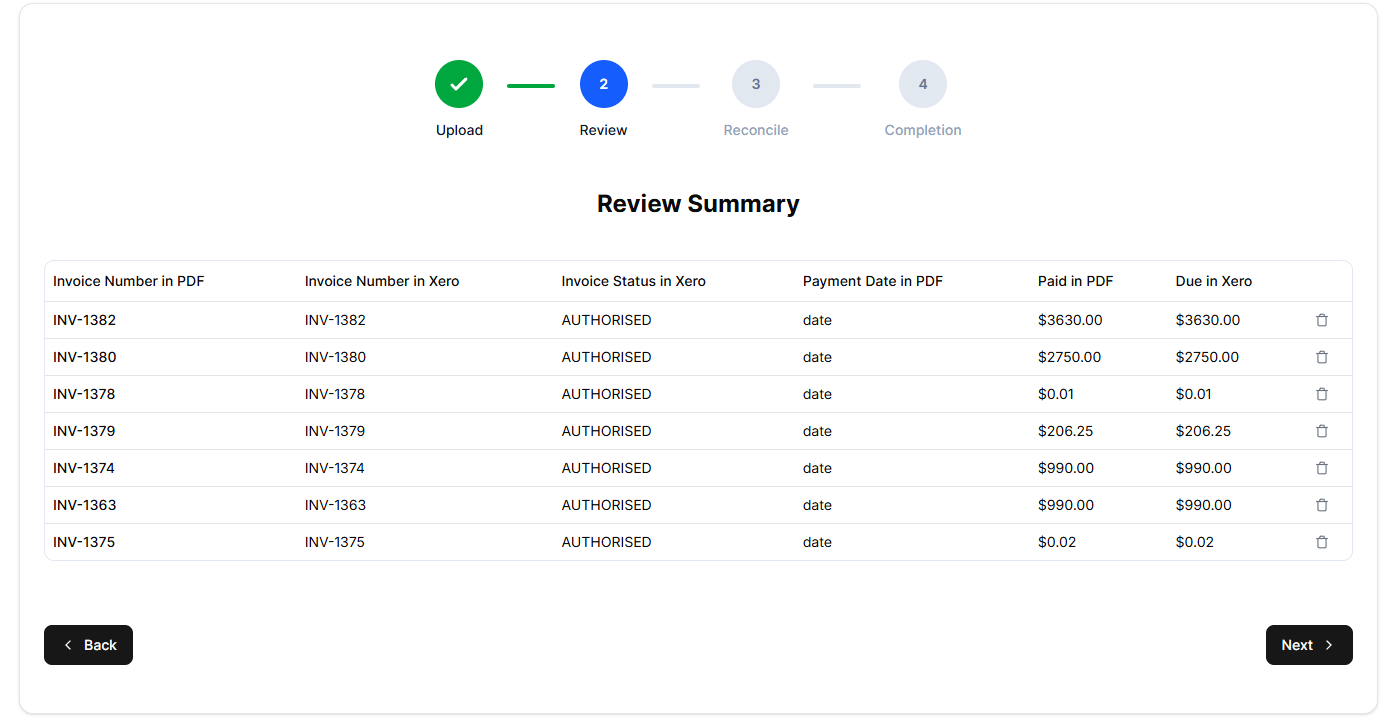
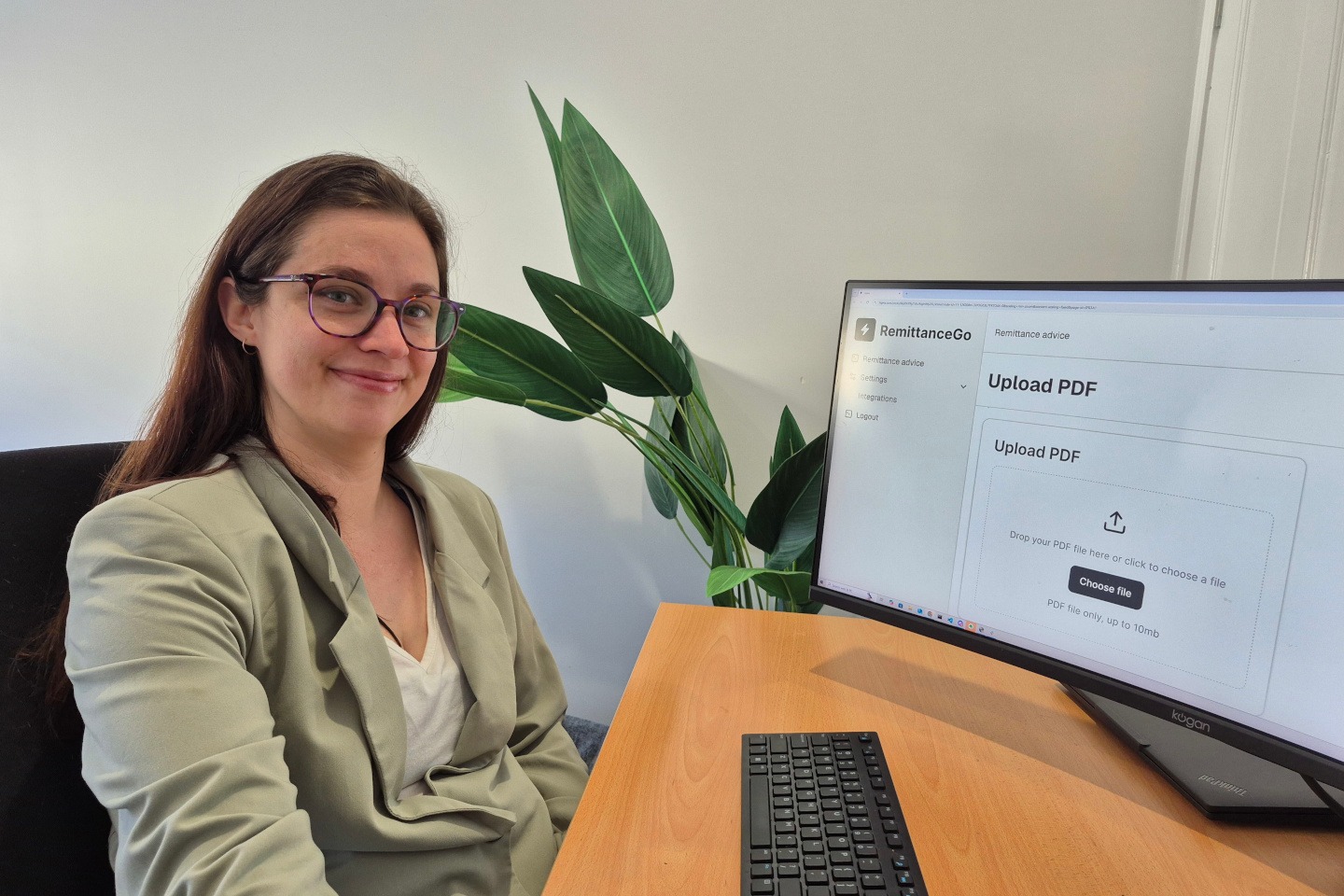
1. Upload & Scan
Drag and drop your remittance advice PDF into Remittance Go. Our system immediately extracts the key data—like invoice numbers, dates, and payment totals—with high precision.

Real-Time Xero Sync
The system automatically connects to your Xero organization. It cross-references the extracted data against your open invoices, looking for matching contact names, reference numbers, and dollar amounts.

3. Verify & Match
You get a clear view of the “matches.” If the data aligns, the system flags it as ready. This step completely removes the need for you to manually hunt through your accounts receivable to see who paid what.

4. One-Click Batch Payment
Once you’re happy, click once to push a Batch Payment to Xero. Your invoices are instantly updated as “Paid” and are ready for a quick final reconciliation against your bank feed.
High Volumes of PDF Remittance Into Xero Made Easy
Remittance Go is engineered for high-volume environments.
Whether you are a busy agency processing fifty remittances a week or an enterprise handling thousands, our infrastructure scales to meet your demand.
Scan Any PDF Format
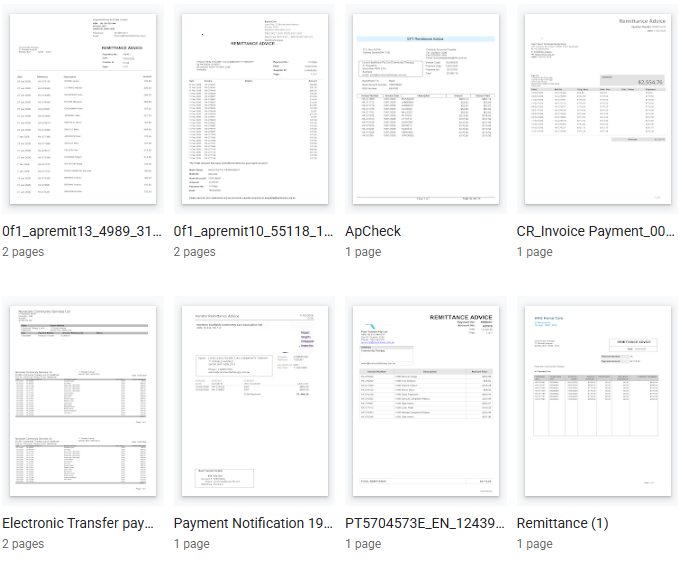
Standard software breaks the moment it sees a messy PDF. Whether it’s a crisp digital export, a blurry scan, or a document with chaotic nested tables, most tools just give up.
Our AI Vision doesn’t care about the format. It “sees” the page like a human, identifying headers and line items regardless of the layout. If you can read it, Remittance Go can process it.
Precision at the Line-Item Level
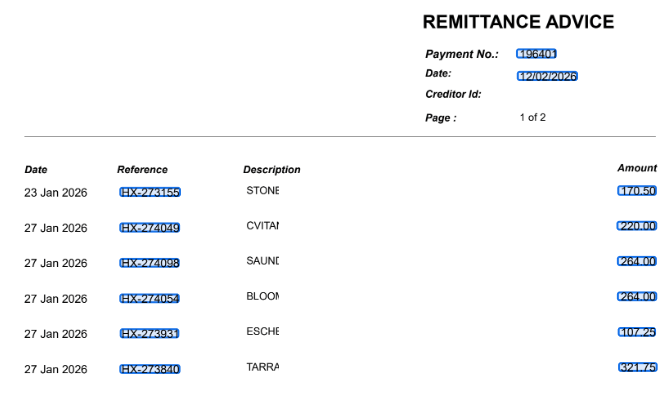
The devil is in the line items. A single PDF can hide hundreds of invoices, credits, and adjustments that manual entry will sometimes miss.
We extract:
Unique References: Instant internal invoice matching.
Split Payments: Catching partial instalments across multiple lines.
Transaction Dates: Keeping your aging reports actually accurate.
Total Verification: Ensuring the math adds up before it hits your books.

Detects Errors in the PDF by the Sender
Payers aren’t perfect, but your books should be. When a PDF comes in with a typo or a botched invoice number, Remittance Go doesn’t crash—it lets you fix it on the fly.
If 2 out of 100 lines have errors, you don’t have to scrap the whole batch. Correct those two in our interface and let the software handle the other 98.
How We Improve Finance Operations
Manual data entry is a drain on your team and a massive risk to your accuracy. Spending your morning squinting at a chaotic inbox and re-typing numbers into Xero isn’t just tedious—it’s a PDF bottleneck.
Remittance Go acts as a bridge, transforming inconsistent document layouts into clean, reconciled books in seconds.
Eliminate the Inbox Scavenger Hunt: No more manual sorting.
Kill the Bottleneck: Process high-volume payments instantly.
Secure Your Data: Replace “good enough” entry with total precision.
Remittance Go Users Save 8 Hours Every Week
The average finance professional spends roughly 20% of their week on manual data entry and reconciliation.
By implementing Remittance Go, you can save upwards of 8 hours per week per team member.
Frequently Asked Questions
- Does it matter what PDF format my payer uses?
No. Our AI vision model is dynamic and recognizes data regardless of the PDF layout or format.
- How does it handle handwritten notes on PDFs?
It doesn’t need to. Our software is just as skilled at ignoring certain information, as it is getting the right information.
- Is my data safe?
Absolutely. We use bank-grade encryption and a “no-storage” policy for your uploaded PDF files once processed.
We also mainly use the Xero API, and track next to nothing about you – except what is crucial to make our software run.
- What happens if an invoice number is missing or slightly broken?
The system flags it as “Unmatched,” allowing you to manually search your Xero invoices and link it with one click.
- Does it work with any currency?
Xero makes it easy because it’s currency-agnostic. If an invoice is for 100.00, Xero just needs that numerical value to match and close the loop. It doesn’t get bogged down in currency symbols; it just looks for the math to align.
How it simplifies your workflow:
Numerical Matching: The system extracts “100.00” and maps it directly to the corresponding balance in Xero.Decimal Precision: As long as the two decimal places match, the batch payment applies instantly.
Edge-Case Ready: Unless your payer is using a different currency entirely, the numerical sync is seamless and automatic.
- Can I process multiple PDFs at once?
Not currently, though we are working on this feature.