
Advanced Split Payment Handling
Master Complex Batch Payment Reconciliations with Remittance Go
Overcoming Split Payments in Modern Accounting
Whether you are an independent bookkeeper, an accounts receivable officer, or an accountant overseeing corporate finances, you know the “split payment headache” all too well.
The Problem We Are Solving
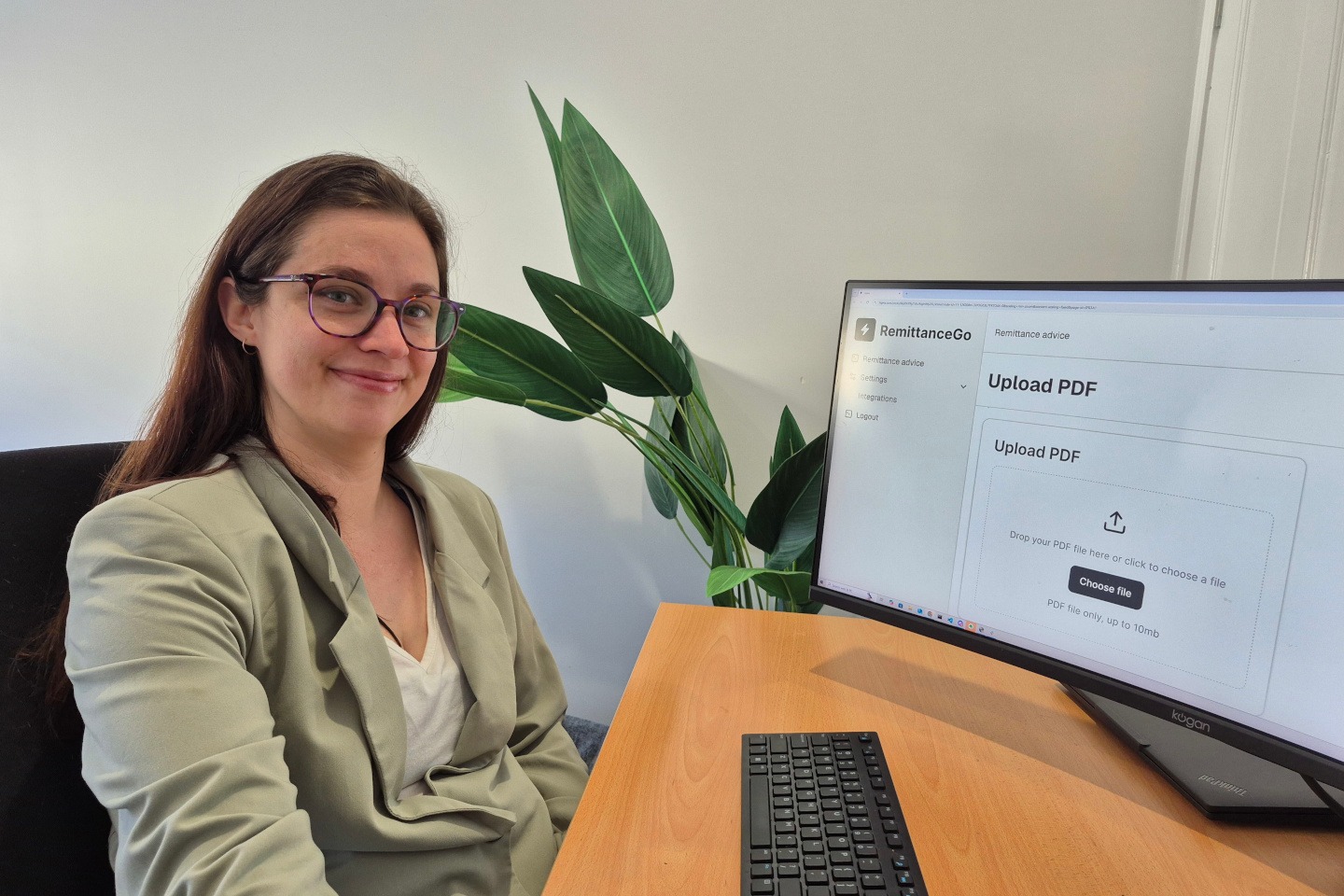
You receive a remittance advice PDF. Upon closer inspection, you realise the customer has paid one invoice across three different payment lines. Traditionally, a coffee and manual data entry into your accounting software.
Our Split Payment Handling feature is designed to transform one of the most tedious manual tasks into a streamlined, automated, and error-proof process. Remittance Go identifies, tracks, and reconciles split payments with surgical precision.

How We Automate Split Payment Remittance PDFs
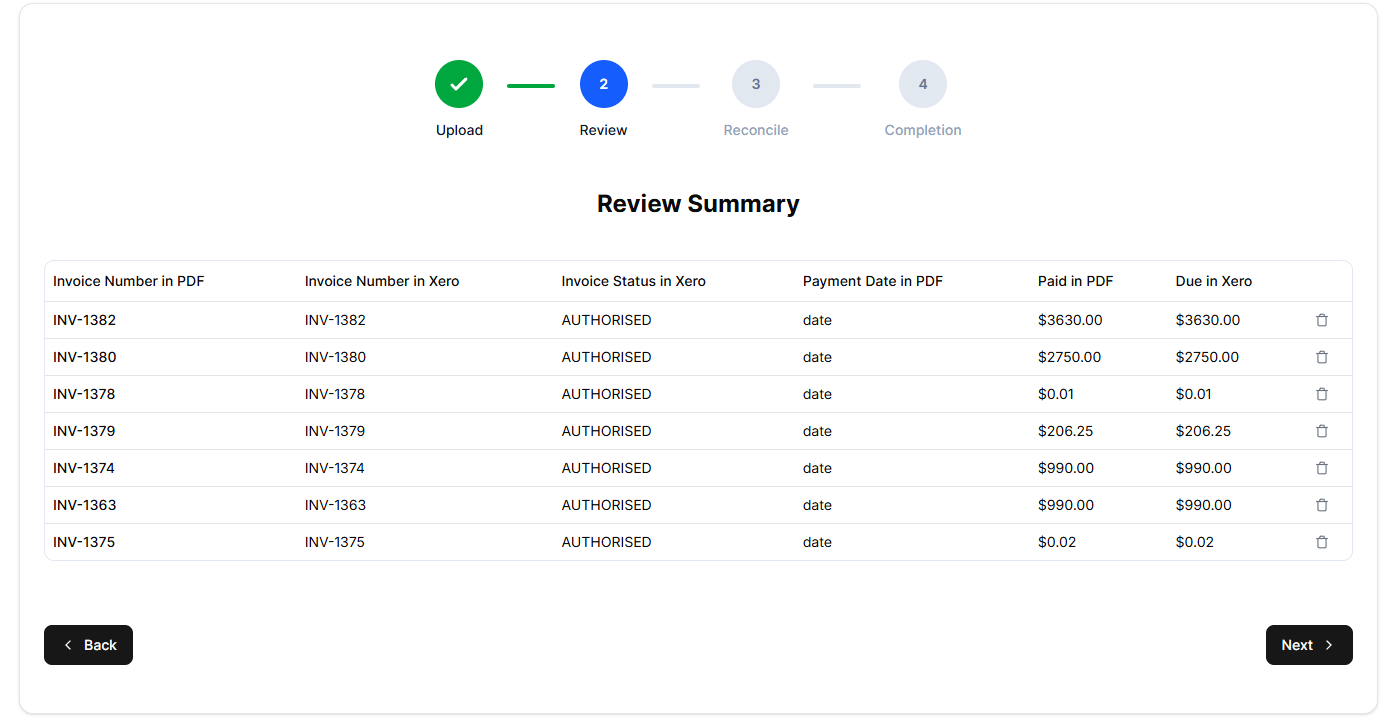
When a remittance PDF is uploaded, our software begins deconstructing the document to find relationships between payment lines and invoices.
When Remittance Go identifies that a payment for an invoice has been divided into multiple parts on a remittance, we handle the split for you.
Automated Totals and Bookkeeping Logic
Identifying the splits is only half the battle; the other half is the math. Remittance Go automatically combines all identified splits into a Total Applied Amount against the specific invoice.
- Complete Batch Recognition: If the sum of the splits equals the invoice total, the software marks the invoice as ready for full reconciliation.
- Outstanding Balance Tracking: If the splits only cover a portion of the invoice, Remittance Go calculates the “Outstanding Remaining” amount automatically. This prevents “phantom” balances from cluttering your books and ensures your follow-up with the client is based on accurate data.
Overpayment Flagging
One of the biggest risks in manual split reconciliation is the “Double Entry” or “Overpayment” error. If a customer accidentally pays the same split twice or miscalculates their total, it can take weeks to find the error during a bank reconciliation.
Remittance Go acts as a continuous audit layer. If the combined total of the split payments exceeds the original invoice value, our system instantly flags the overpayment.
This allows you to address the credit with the customer immediately, rather than waiting for month-end reports to catch the discrepancy.
Seamless Integration with Your Workflow
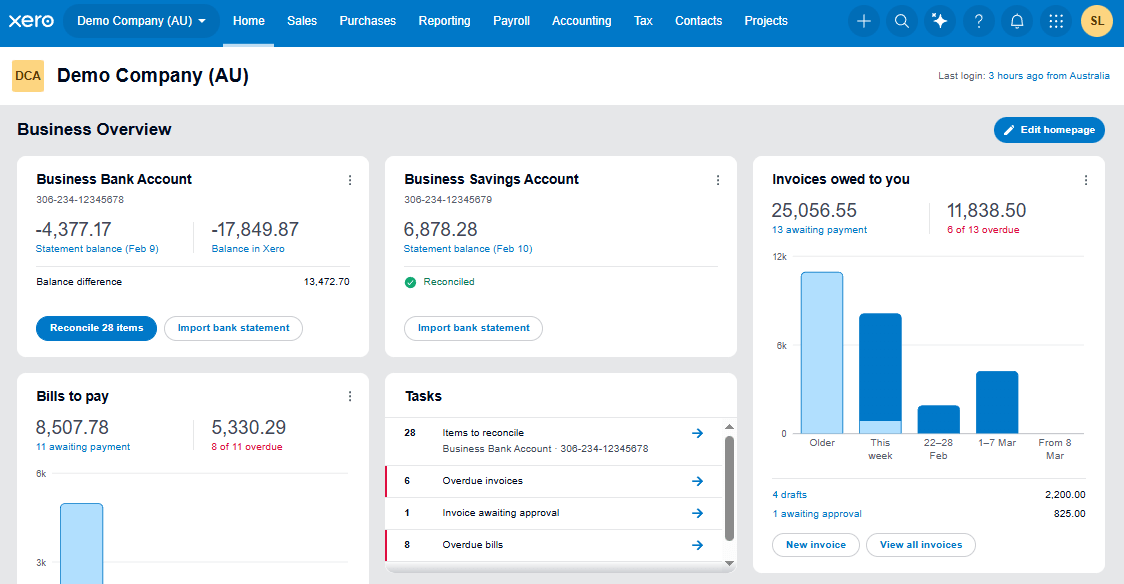
We integrate deeply with accounting tools like Xero, ensuring that once the split payments are identified and totalled, they are pushed into your accounting system with the correct labels and associations.
FAQ
- What exactly is a "split payment" in Remittance Go?
A split payment occurs when a single invoice is paid via multiple line items on a remittance advice.
This could be due to partial payments, paying for different services on the same invoice separately, or administrative breakdowns on the customer’s end. Remittance Go identifies these separate lines and links them back to the single parent invoice.
- Can Remittance Go handle split NDIS remittance PDFs?We built Remittance Go to read any type of PDF remittance advice, such as NDIS payment summaries downloaded from the NDIS portal.Many automated tools fail when they encounter non-standard PDF layouts. They expect a clean, predictable table. But we know that remittances come in thousands of different formats—some are exported from high-end ERPs like SAP or Oracle, while others are generated by bespoke industry portals.In Australia, NDIS providers face some of the most complex remittance documents in the world. A single PDF might contain hundreds of pages with thousands of line items, where service dates, participant numbers, and claim codes are split across multiple columns. Remittance Go is engineered to handle these complex NDIS remittances with ease.Our software can parse the specific data structures of NDIS payment files, identifying the splits between different support items and ensuring every cent is matched to the correct service booking. We turn a five-hour manual reconciliation job into a five-minute review.
- What happens if a customer overpays on a split invoice?
Remittance Go calculates the sum of all splits. If that sum exceeds the total amount of the invoice in your accounting system, a red flag or warning is displayed. This prevents you from closing the invoice incorrectly and helps you manage the resulting credit note for your customer.
- Does this work with Xero?
Absolutely. Remittance Go is designed to complement your Xero workflow. Once the splits are identified and matched, the data can be pushed into Xero to clear the relevant invoices, keeping your bank reconciliation screen clean and easy to manage.
- Can it handle split payments that are still underpaid as a total?
Yes.
If 5 split payments were for $1000 total, yet it was for a $2000 invoice, you can still apply a batch payment of $1000 and there would be $1000 outstanding in Xero.
- Who is the software suitable for?
For Bookkeepers
Stop spending your evenings squinting at PDFs and manually totaling splits in Xero. Remittance Go gives you back your time. By automating the data extraction and split-matching, you can manage more clients with higher accuracy and less stress.
For Accounts Receivable (AR) Teams
AR efficiency is measured by “Days Sales Outstanding” (DSO). By using Remittance Go to handle split payments, you reduce the time it takes to clear invoices. When your data is matched instantly, you can focus on chasing genuine late payments rather than investigating “missing” money that was actually just a split payment you hadn’t reconciled yet.
For Accountants
Ensure the integrity of the general ledger. Our “X of Y” tracking and overpayment flags provide a clear audit trail. When it comes time for tax season or a financial audit, you can prove exactly how every invoice was satisfied, down to the individual split.