

Helping bookkeepers do 10x AR work in a fraction of the time
Stop matching remittances by hand. Remittance Go reads each client's PDF remittance advice & reconciles it to their Xero file in seconds — so you can take on more clients without adding headcount.



accounting practices
No credit card required






Remittance day is costing your practice more than you think
Every hour spent on manual remittance entry is an hour not spent on clients, advisory work, or growing your practice.
Every client has different payers
Each payer sends a different PDF format. Reading, extracting, and entering each one manually across 10, 15, or 20 clients compounds quickly into a significant weekly time drain.
It's a hard ceiling on growth
Manual remittance processing caps how many clients you can serve. Take on more clients and the backlog grows — unless you automate the matching step.
Low-value work you can't bill for
Data entry doesn't deepen client relationships or build your expertise. It just has to get done. Automation hands that back so you can focus on work clients actually value.

The time cost
What manual remittance processing costs a bookkeeping practice
Across 15 clients, a conservative estimate of 20 minutes per client per week adds up fast.
per week recovered by Deb at Aussie Bookkeeping Basics after switching to Remittance Go
Per-client overhead scales linearly
Each new client brings new payers, new formats, and more weekly data entry. Without automation, growth means proportionally more admin.
Capacity ceiling before you hit revenue ceiling
Most practices hit an admin ceiling before a client ceiling. The bottleneck isn't finding clients — it's having time to serve them properly.
Advisory work gets squeezed out
The hours your practice could spend on financial analysis and client advisory are absorbed by reconciliation work that automation can handle entirely.
Time savings estimate (15-client practice)
| Task | Time saved |
|---|---|
| PDF reading | ~1.5 hrs |
| Invoice matching | ~2 hrs |
| Xero entry | ~1.5 hrs |
| Total per week | ~5 hrs |
How it works
From inbox to reconciled — without you touching it
Remittance Go connects to each client's Xero organisation under your single account. Remittances are forwarded automatically, parsed, and matched to open invoices — you only review exceptions.
Step 1 — Connect your client organisations
Link each client's Xero organisation to your Remittance Go account. One dashboard shows all clients. Takes minutes per client to set up.
Step 2 — Set up email forwarding
Each client gets a dedicated forwarding address. When a payer sends a remittance PDF, it's forwarded to Remittance Go and processed automatically — no inbox monitoring required.
Step 3 — Review exceptions only
Routine remittances are matched and applied to Xero without you touching them. Only the exceptions — new formats, mismatched references, short payments — surface for your review.
Step 4 — Client Xero is reconciled
Each client's invoices are marked paid, bank lines are ready to reconcile, and the remittance history is updated. You can export a record for any client at any time.
For bookkeepers
Built for bookkeepers managing multiple clients
One login. Every client's Xero file. Zero manual matching.
Serving more bookkeeping clients, faster
Add each client's Xero organisation to your Remittance Go account once, then switch between clients from a single dashboard instead of logging in and out of separate Xero files. Remittances that used to take 10–30 minutes each are matched and posted in about a minute.
That speed compounds across your client base — freeing up the hours you need to take on more clients without adding headcount.


Stop doing repetitive tasks, only spend time on exceptions
Remittance Go matches and posts routine remittances to Xero on its own — no more repetitive manual entry, client after client. It only flags a remittance for you when something needs a human call: a payer using a new format, an invoice reference that doesn't match, or a short payment.
Bookkeepers typically spend 15–20 minutes a week clearing these flagged items across their whole client base. Everything else is handled without you touching it.
Save time and serve clients better
Every remittance Remittance Go processes is saved against that client — the original PDF, which invoices it paid, the amounts, and the date. When a client asks about a payment from months ago, you look it up in seconds instead of digging through inboxes.
That time back means faster responses for clients and less admin dragging on your day. Export any client's history as a CSV or PDF whenever you need it for reporting or an audit.
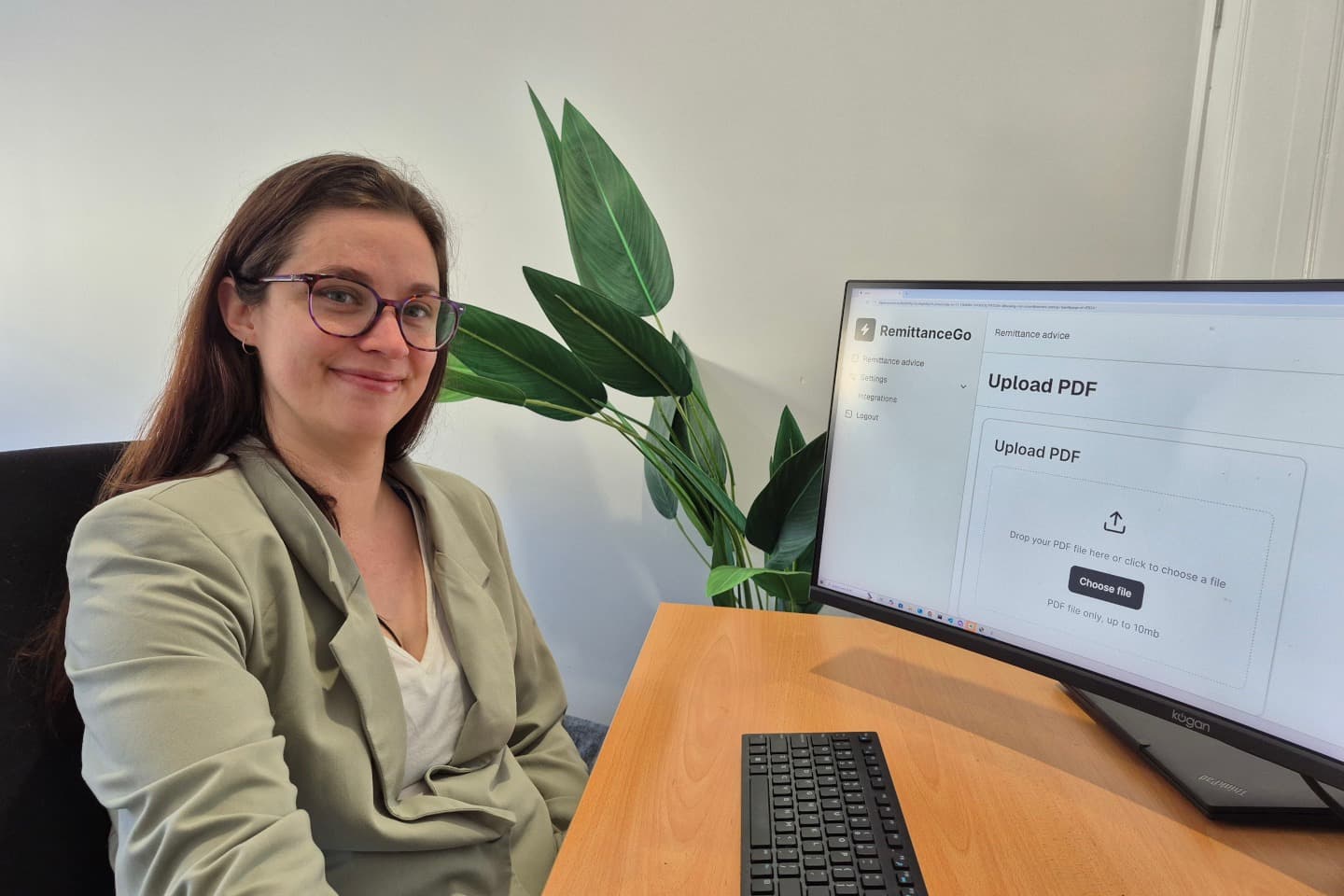
“We used to spend most of Monday afternoon keying remittance details into Xero by hand. Now we upload the PDFs and it's done in minutes.”
Frequently asked questions
Can I work on all my Xero files across all my clients?
Yes. Remittance Go is designed for multi-client management. Connect each client's Xero organisation and switch between them from a single dropdown — no need to log in and out of separate accounts. Each client's remittances are processed within their own organisation, so there's no crossover between clients.
How much time can I save?
Most remittances take 10–30 minutes to match and enter manually. With Remittance Go, that drops to approximately 1 minute per remittance.
Can multiple team members from my bookkeeping organisation access Remittance Go?
Yes. The teams feature lets you add multiple staff members to your account, and the shared email queue means anyone on your team can pick up and process incoming remittances.
Does it matter if my bookkeeping clients all use different Xero invoice numbers?
No. Remittance Go adapts to every variation across your clients' PDFs and Xero files. We also run repair algorithms to fix mismatches you'd otherwise catch manually — for example, matching a PDF listed as INV-12345 to the actual Xero invoice CARE-INV12345.
Why is Remittance Go suitable for bookkeepers?
Remittance Go is shaped by Nathan Price, a registered bookkeeper and BAS agent. We build the features bookkeepers actually need — nothing more — instead of piling on bloat nobody asked for.
Set up in under an hour. Save hours every week.
Connect your client Xero organisations and process your first remittances free.
Start free — no credit card required →