
Learn Remittance Go
Video tutorials for accountants and finance teams using Remittance Go to automate remittance processing in Xero.
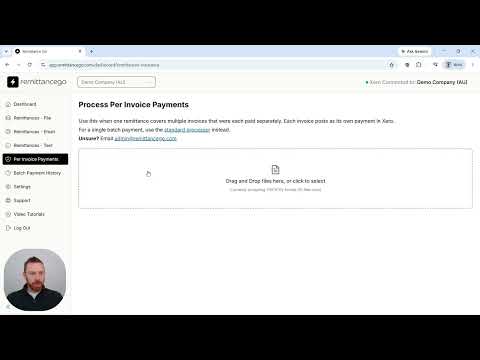
Remittance Go Getting Started Guide
A walkthrough of your first login — Xero, your first remittance, and your email queue.
Getting started
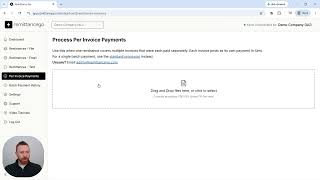
Remittance Go Getting Started Guide
A walkthrough of your first login — Xero, your first remittance, and your email queue.
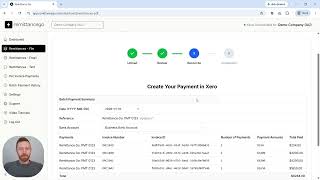
How to Process Remittance Advices into Xero
A step-by-step walkthrough of the core Remittance Go workflow — upload a remittance advice PDF, review matched invoices, and create the batch payment in Xero.
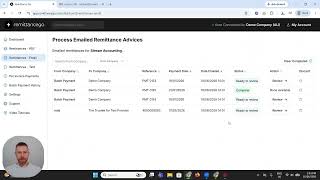
How to Use the Email Remittance Queue
Learn how to set up your team's dedicated email inbox, have PDFs parsed automatically on arrival, and use the shared queue to coordinate remittance processing across your team.
Processing remittances at volume
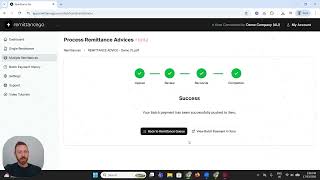
How to Process Multiple Remittance Advices in Remittance Go
Use the Multiple Remittance PDF section to drag in up to 10 remittance PDFs of any format, process each one against Xero, and track your progress with a live Remittance Queue.
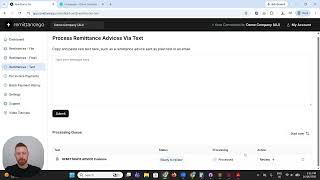
How to Process a Text Remittance Advice
Learn how to copy and paste a plain text remittance advice from an email body directly into Remittance Go and process it as a batch payment in Xero.
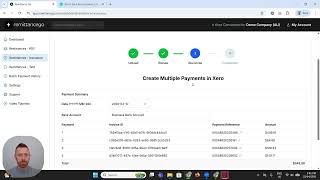
Reconciliation of Multi Payment Remittances in Xero
Learn how to reconcile remittances where a single payment covers invoices across multiple suppliers or payment runs in Xero.
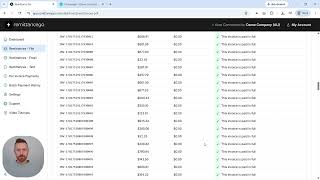
How to Process Remittances with More Than 200 Invoices
Xero has a hard limit of 200 invoices per batch payment. Learn how Remittance Go automatically splits large remittances into multiple batches and how to reconcile them in Xero.
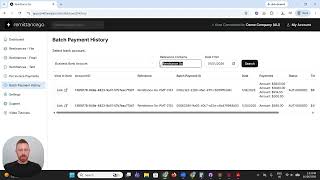
How to Use the Batch Payment History in Remittance Go
Learn how to search and filter past batch payments created in Remittance Go, and jump directly to any payment in Xero for future reference.
Edge cases
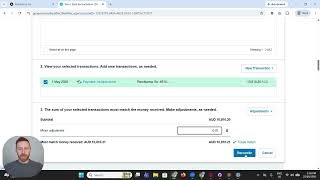
How to Process Overpaid Invoices in Xero using Remittance Go
When a remittance shows a payment that exceeds the invoice amount in Xero, Remittance Go flags it so you can investigate and correct it before pushing to Xero.
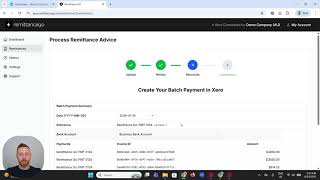
How to Process Underpaid Remittance into Xero
See how Remittance Go handles underpayments — where a customer pays less than the invoice total — and how to process these exceptions cleanly in Xero.
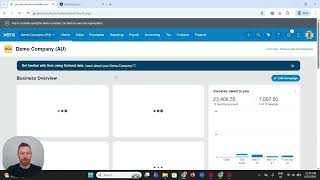
How to Process Draft Invoices to Awaiting Payment in Remittance Go
If invoices are still in draft status when a remittance arrives, this tutorial shows how to move them to Awaiting Payment so they can be matched and reconciled.
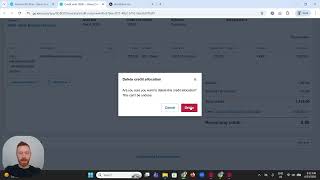
How to Fix Paid in Error Invoices with Remittance Go
Learn how to reverse or correct invoices that were marked as paid by mistake, using Remittance Go to identify and fix the error in Xero.
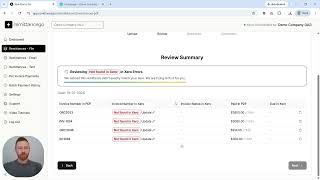
How to Handle Remittance with Incorrect Invoice Numbers
When remittance advice contains wrong or mismatched invoice numbers, Remittance Go helps you identify and correct them before pushing the payment to Xero.
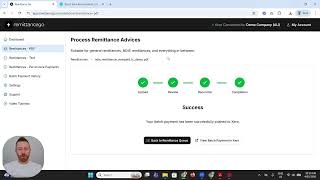
How to Handle 1 Cent Remittance Adjustments in Xero using Remittance Go
When a supplier's remittance is off by a single cent due to rounding, Remittance Go helps you process the payment cleanly without manual journal entries.

How to Process a Remittance with Credit Notes
Learn how to reconcile a batch payment in Xero when a credit adjustment has been withheld — using a credit note in Xero and Remittance Go to match the payment correctly.
Nathan Price
Registered BAS agent and founder of Remittance Go. He built it after years of manually reconciling remittance advice documents for clients — work that should have taken seconds and routinely took an hour.
Every lesson here is a job he's done a thousand times: NDIS payments, batch deposits, remittances split across multiple funding bodies.