

Automate Support at Home Remittance Advice
Stop wasting hours reconciling Registered Provider payments. Use AI to match bulk Home Care payments to your invoices instantly in Xero.
Get started for free →

The Challenge: The 30-day "reconciliation mountain"
As an associated provider in the Support at Home sector, your cash flow is already under pressure. When a bulk payment finally hits your bank account, it isn't just one invoice — it's a massive batch covering dozens of participants and hundreds of service hours.
Massive batches
A single payment might cover 50+ participants, making it impossible to identify individual payments in your bank feed.
The PDF grind
Lead providers send complex, multi-page PDF remittance advice that requires manual line-by-line checking.
Non-billable costs
Reconciling a single batch manually can take 5 to 15 minutes of focused, error-prone work — minutes that turn into hours and days of administrative overhead you can't bill for.

How it works
How Support at Home remittances are processed
Remittance Go reads the Registered Provider remittance format, extracts every participant payment line, and maps each one to the corresponding Xero invoice — flagging discrepancies before anything is posted.
Step 1 — Upload the remittance
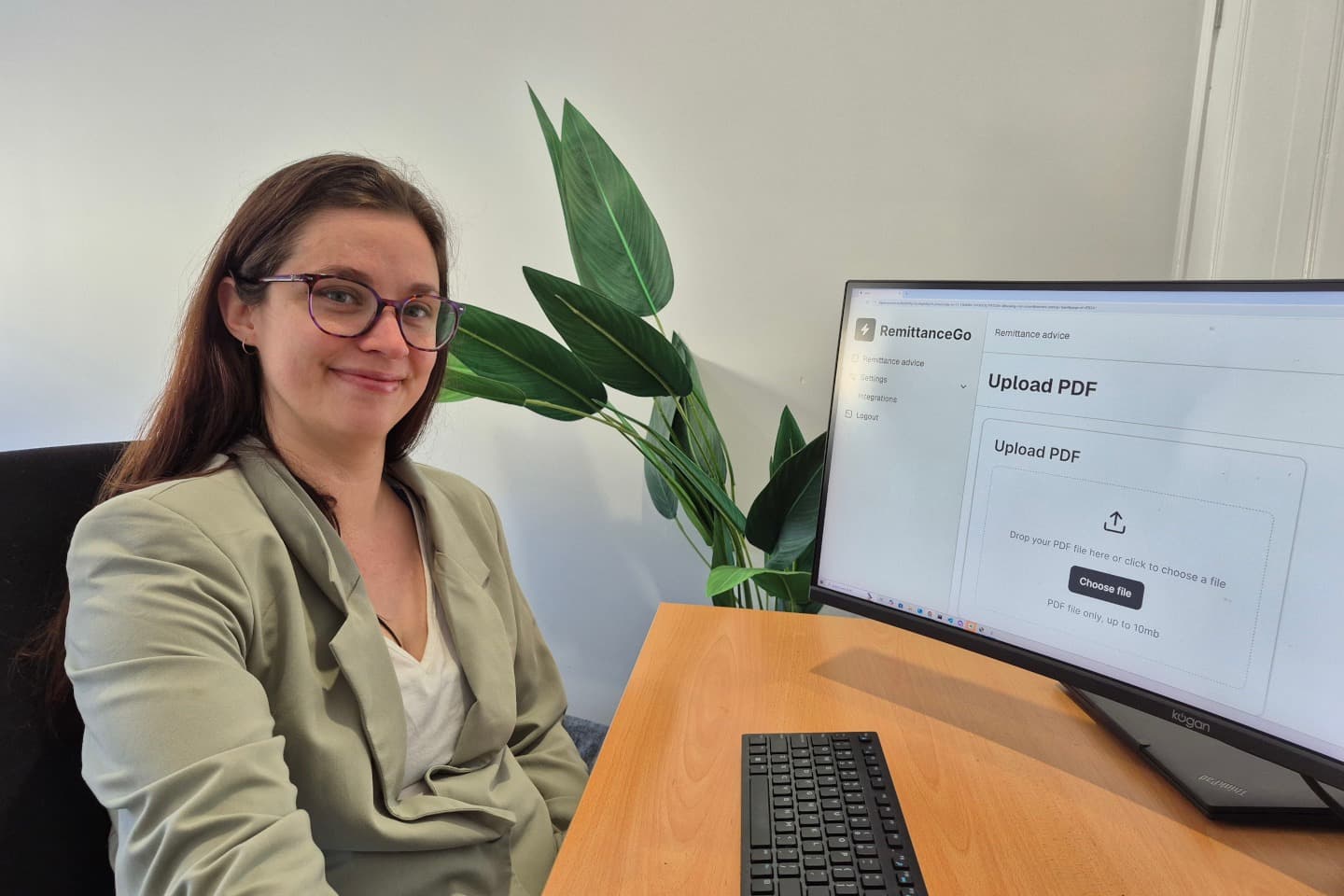
Upload the PDF remittance advice from your Registered Provider — or forward it straight to your Remittance Go inbox.
Step 2 — Data extraction
Every participant name, service date, and invoice amount is extracted automatically from the document.
Step 3 — Review results
Review each line matched against your open Xero invoices. Short-paid or unmatched lines are flagged clearly.
Step 4 — Push batch payment to Xero
Confirm, and Remittance Go pushes the full batch payment to Xero — ready to reconcile against your bank feed.
The solution
AI built for Home Care and Aged Care providers
Remittance Go is specifically trained to handle the unique formatting of Home Care and Aged Care remittance advice — eliminating the month-end stress that comes with the 30-day wait.
Why providers choose Remittance Go
Seamless integration with your ecosystem
We don't replace your current tools — we make them smarter, acting as the automated middle-man that keeps your finances clean.
Instant extraction, smart amalgamation
Upload your PDF remittance from any Registered Provider. Our AI instantly identifies every participant name, service date, and invoice amount.
If a provider has split a single service into multiple line items — base rate plus travel, for example — Remittance Go automatically groups them to match your original invoice.

Built for splose users
For users of splose, invoice statuses update automatically the moment the lead provider pays — no manual tick-and-flick required.
For Xero and QuickBooks users, your bank reconciliation is clean in seconds, not hours.
Real-time visibility, not manual chasing
Instead of manually chasing which payments have landed, you get a real-time dashboard of paid versus pending invoices — and the ability to scale without hiring more admin staff.
Split line items and discrepancies are surfaced automatically, so nothing slips through.
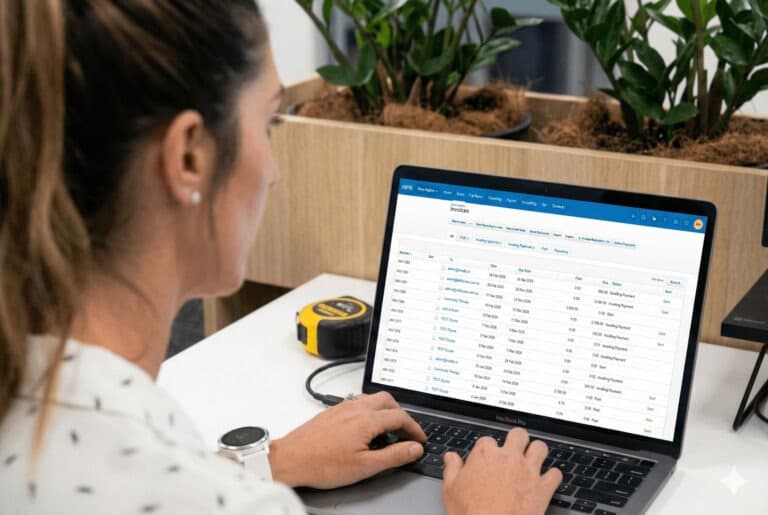
“What used to take a full day of chasing remittances from Registered Providers now takes about 15 minutes. It's changed how we view our administrative overhead.”
Frequently asked questions
Does it work with all Registered Provider formats?
Yes. Our AI is format-agnostic. Whether the lead provider sends a modern digital PDF or an older system-generated report, Remittance Go can read the relevant data points and extract them accurately.
Can it handle 30-day or EOM batch payments?
Absolutely. Remittance Go is designed specifically for high-volume batch payments where one bank transaction covers dozens of individual invoices across multiple participants.
What if the payment doesn't match the invoice amount?
Remittance Go flags discrepancies immediately. If a provider has short-paid an invoice, you'll see the exact difference so you can follow it up instantly — before the next payment cycle.
Does it integrate with splose?
Yes. Once a remittance is reconciled in Xero, the payment status can flow back to splose or your clinical management software automatically, so your invoice statuses update the moment the lead provider pays.
Does it work with Xero and QuickBooks?
Yes. Remittance Go posts matched batch payments directly to Xero or QuickBooks via the official API — cleaning up your bank reconciliation in seconds, not hours.
What happens to the underlying invoices in splose or my practice software?
Once reconciled in Xero, the payment status syncs back to splose or your clinical management software, so your participant billing records stay accurate without any double-handling.
Reclaim your back-office time today
Don't let the 30-day wait turn into a 40-day reconciliation. Automate your Support at Home accounts receivable and focus on what matters most — providing quality care.
Get started for free →