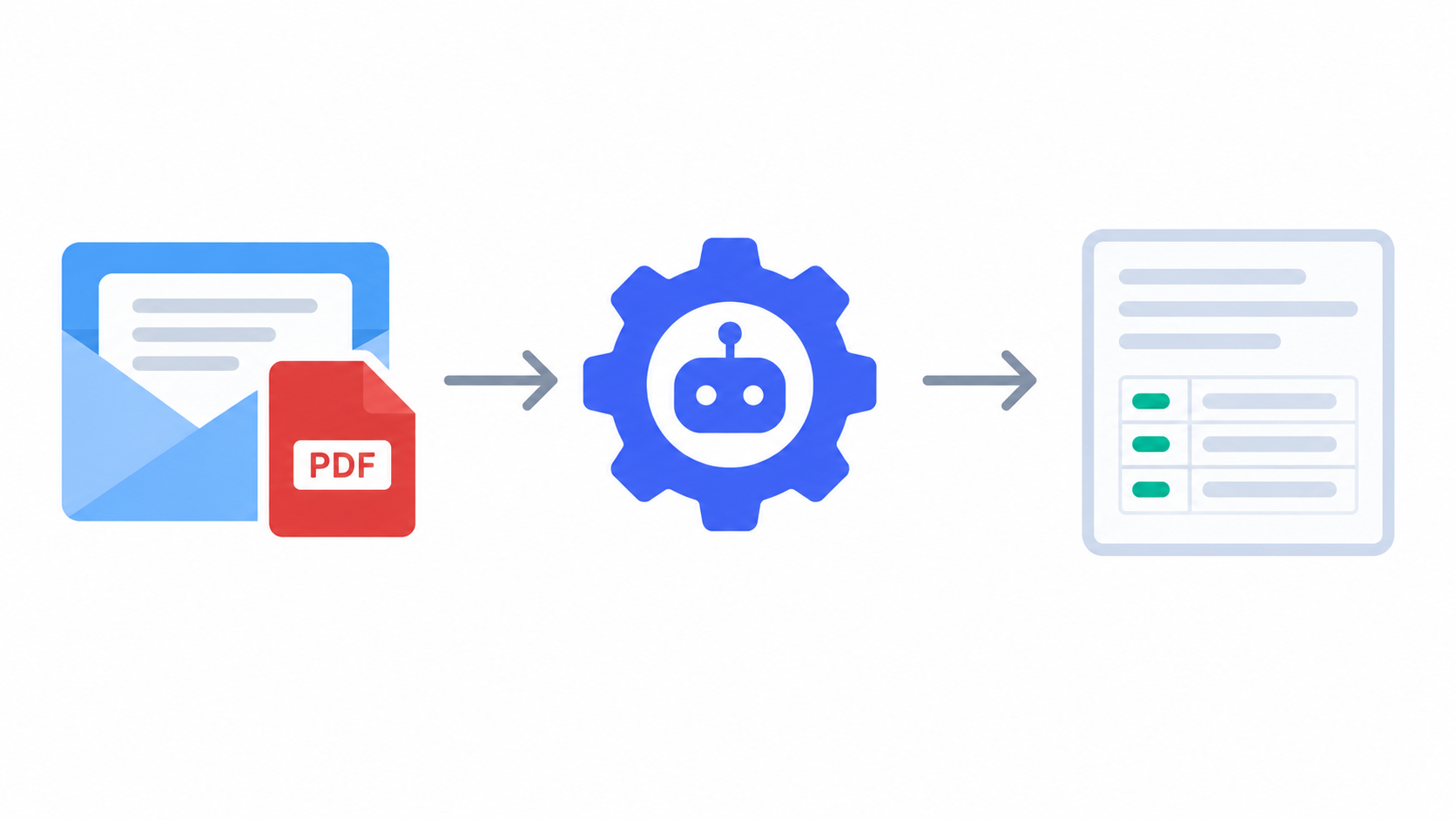
How to Automate Parsing PDFs from Email
Learn how to build an automated PDF parsing system. Receive PDFs via email, extract data with AI, store in PostgreSQL, and let users access their documents. A practical guide with minimal code.
TLDR
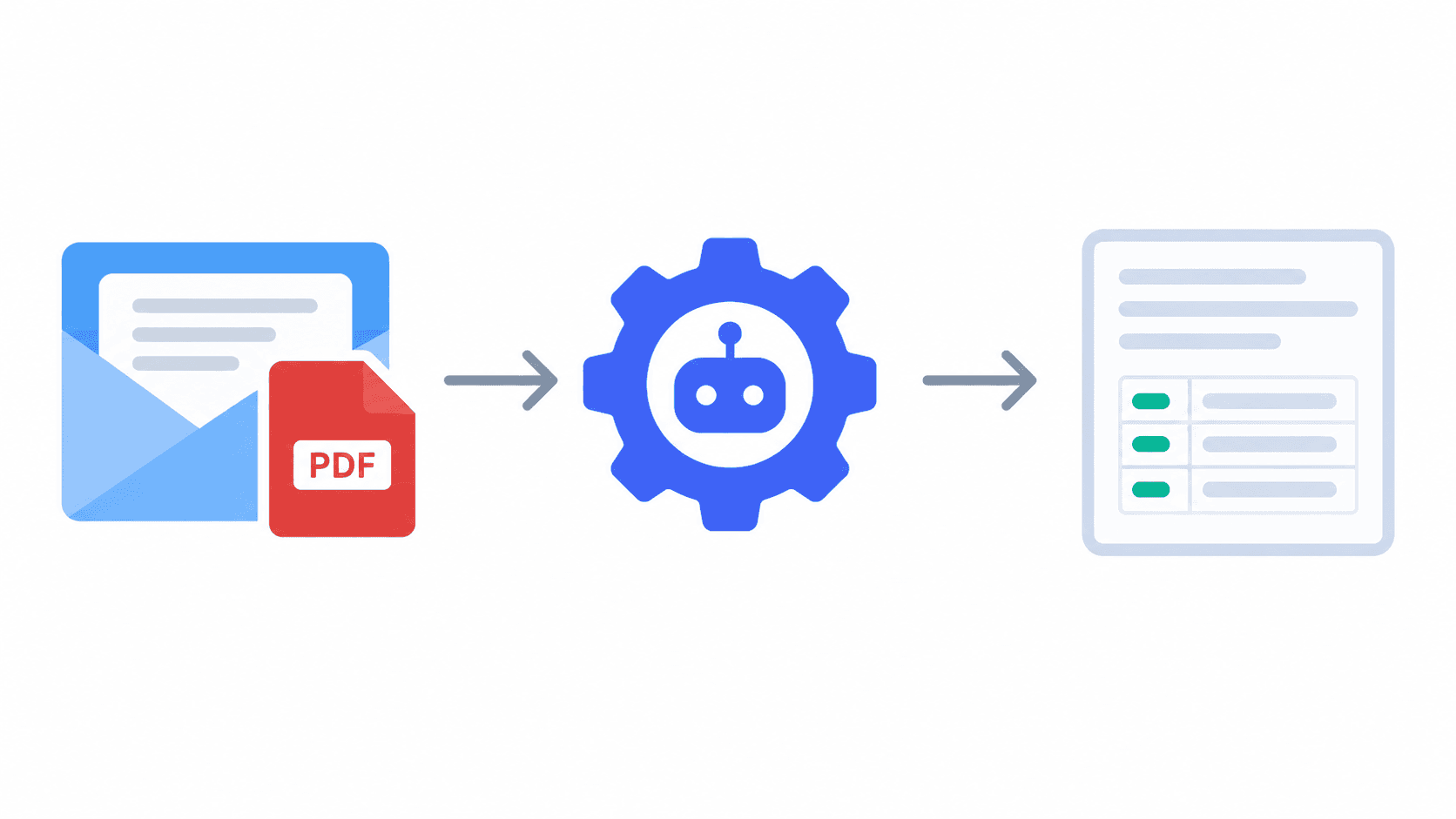
Users email PDFs to your service. Your system catches the email (via webhook), sends the PDF to an AI service like Document AI for extraction, stores the extracted data in a database tagged with the user's organization, and lets that user see all their parsed documents in a dashboard.
Step 1: How It Works — The Big Picture
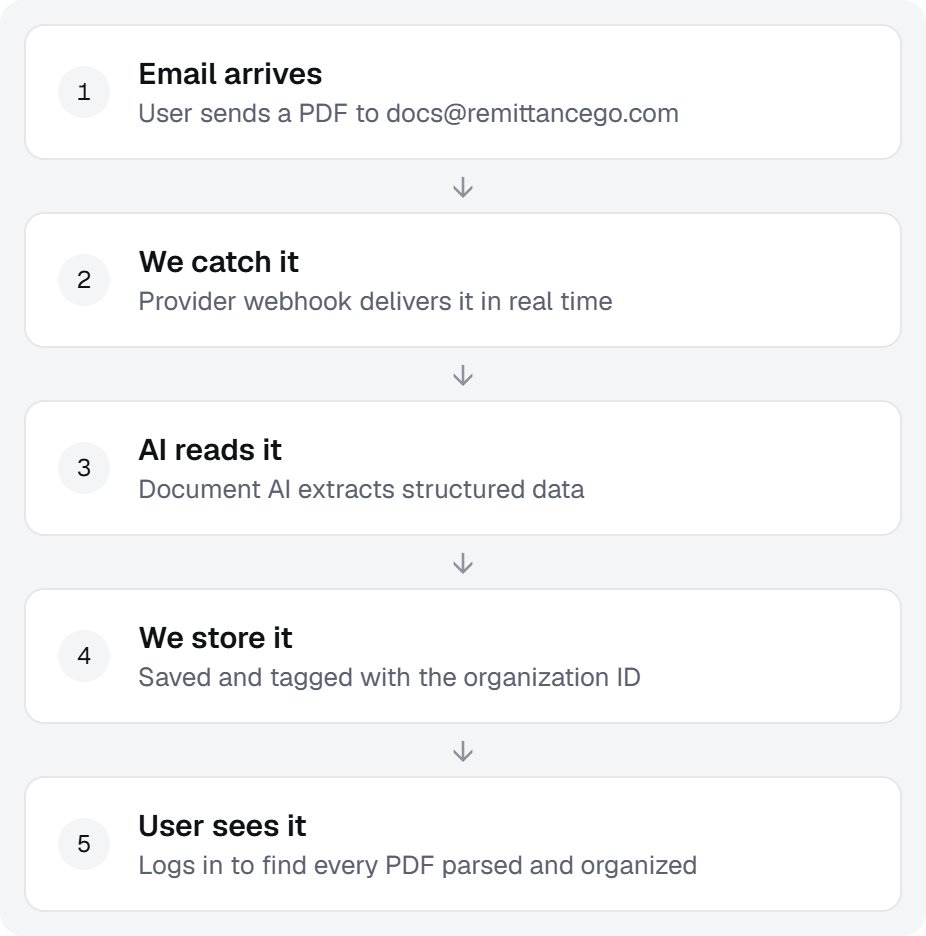
Here's the flow:
- Email arrives — User sends a PDF to
abccompany@mail.yourwebsite.com - You catch it — Email provider webhooks let you receive the email in real-time
- Send to AI — You pass the PDF to a service like Document AI to extract structured data
- Store in database — You save the extracted data tagged with the user's organization ID
- User sees it — User logs in and sees all their PDFs parsed and organized
That's it. No complex retry logic, no dead-letter queues, no distributed systems. Just: email in → AI extraction → database storage → dashboard access.
Step 2: Catch All Emails via Webhook
What You Need
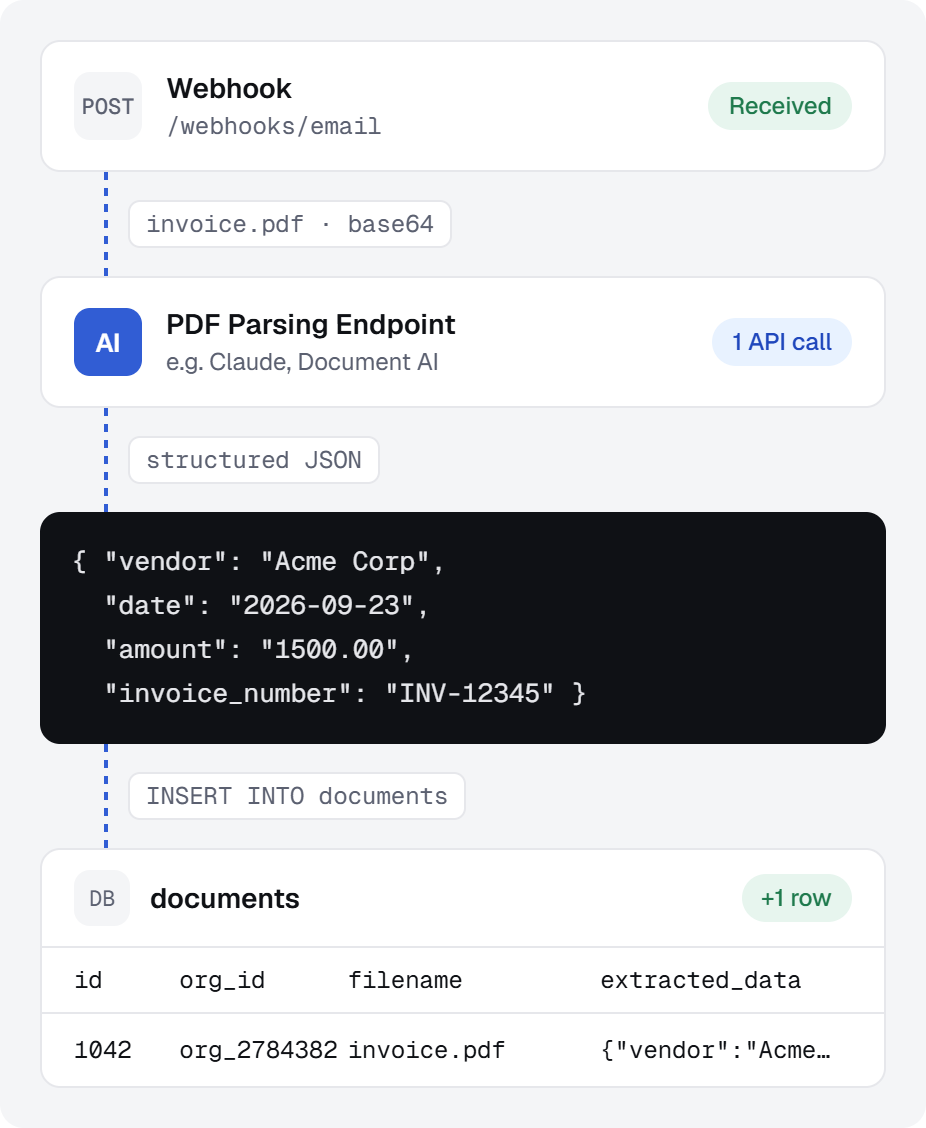
We use Resend, which sends webhooks for all incoming emails:
- Set up an inbox endpoint via an email webhook service (i.e. Resend):
abccompany@mail.yourwebsite.com→ POST tohttps://yourapi.com/webhooks/email - When someone emails that address, Resend sends you the email as JSON
- You store it or process it immediately
This gives you the PDF to work with
{
  "from": "user@example.com",
  "to": "docs@yourdomain.com",
  "subject": "Invoice from Acme Corp",
  "html": "...",
  "attachments": [
    {
      "filename": "invoice.pdf",
      "content": "base64-encoded-pdf-here"
    }
  ]
}
Step 3: Send PDFs to AI for Extraction
You have the PDF. Now extract the data.
Send to a PDF Parsing Endpoint
Services like Google Document AI or Claude's vision API can read PDFs and return structured data:
Input: PDF of an invoice
Output: {
  "vendor": "Acme Corp",
  "date": "2026-09-23",
  "amount": "1500.00",
  "invoice_number": "INV-12345"
}
Keep It Simple
- Resend gives you the PDF as base64
- Send it to Document AI or Claude's vision API
- Get back structured JSON
- Store the JSON in your database
That's one API call. No queues, no retries for now—just send and store.
Step 4: Database Design
You need to store:
- The extracted data from the PDF
- Which organization it belongs to (so users only see their own)
- The PDF itself (optional: store or delete after extraction)
Simple Schema
Two tables. That's it.
Table 1: Email Addresses (used by webhook)
CREATE TABLE allowed_emails (
  email VARCHAR PRIMARY KEY,
  org_id VARCHAR NOT NULL
);
When the webhook gets an email, it checks this table. If the email exists, parse it. If not, ignore it.
Table 2: Documents (used by teams)
CREATE TABLE documents (
  id BIGSERIAL PRIMARY KEY,
  org_id VARCHAR NOT NULL,
  data JSONB
);
Store the parsed result here. Teams query by org_id to see their documents.
Step 5: User Login & Access Control
When a user logs in, they should only see their documents.
At this point, you should be using an authentication system like Kinde, Supabase Auth, or Clerk.
How It Works
User logs in with email: alice@acme.com
Your auth system knows: alice belongs to org_id = "org_9f1c2d5e"
Query: SELECT * FROM documents WHERE org_id = 'org_9f1c2d5e'
Return: All PDFs from that organization
Query their documents
SELECT * FROM documents WHERE org_id = user_org_id;
One rule: Before showing any document, check that the user's org_id matches the document's org_id. That's all the access control you need.
Step 6: Putting It Together
Here's the complete flow:
1. User emails PDF to abccompany@mail.yourwebsite.com
   ↓
2. Resend webhook fires
   ↓
3. You receive {from, subject, attachments}
   ↓
4. Extract org_id from the sender's email or header
   ↓
5. Send PDF to Document AI (or Claude)
   ↓
6. Get back {vendor, date, amount, etc.}
   ↓
7. INSERT INTO documents (org_id, email_from, extracted_data, ...)
   ↓
8. User logs in to your dashboard
   ↓
9. SELECT * FROM documents WHERE org_id = user.org_id
   ↓
10. Display all parsed PDFs in a table
Done.
Conclusion
That's the whole system:
- ✅ Email provider catches PDFs (Resend webhook)
- ✅ You send to AI for extraction (Document AI, Claude, etc.)
- ✅ Store in PostgreSQL with org_id isolation
- ✅ User logs in and sees their documents
No message queues, no complex retry logic, no fancy distributed systems. Just: receive email → extract → store → display.
Start here. Add complexity only when you need it (high volume, failed extractions, etc.). Most teams don't need it.
The End Result
Your team gets a shared queue. Every PDF that arrives lands here automatically, parsed and ready to process — no manual uploads, no coordination needed.