
Tired of reconciling large Support at Home remittances? So were we
Our software reads Support at Home remittance PDFs from Registered Providers, extracts individual participant payments, and matches them against your Xero invoices — so you can reconcile bulk Home Care payments in seconds.
Process your first Support at Home remittance →
Processing NDIS
Remittance Advice
into Xero


Support at Home remittances shouldn't take half your day
The Registered Provider remittance format is unlike anything else your practice processes. Remittance Go is built specifically for bulk Home Care payments — so your people spend time on participants, not PDFs.
One payment, fifty invoices
A single Support at Home batch payment may cover 50+ participants across dozens of service dates. Remittance Go extracts every line item and matches each one to the correct Xero invoice — automatically.
Errors you'd otherwise miss
Short-paid invoices, split line items, and unmatched participant references are easy to overlook in a multi-page PDF. Remittance Go flags every discrepancy before anything is posted to Xero.
Accurate Xero records, without the manual work
Manual reconciliation creates errors that compound over time. Remittance Go posts correct data to Xero automatically — keeping your accounts clean and your audit trail intact for every payment cycle.

How it works
How Support at Home remittances are processed
Remittance Go reads the Registered Provider remittance format, extracts every participant payment line, and maps each one to the corresponding Xero invoice. Discrepancies are surfaced before anything is posted, so your team reviews structured data — not a multi-page PDF.
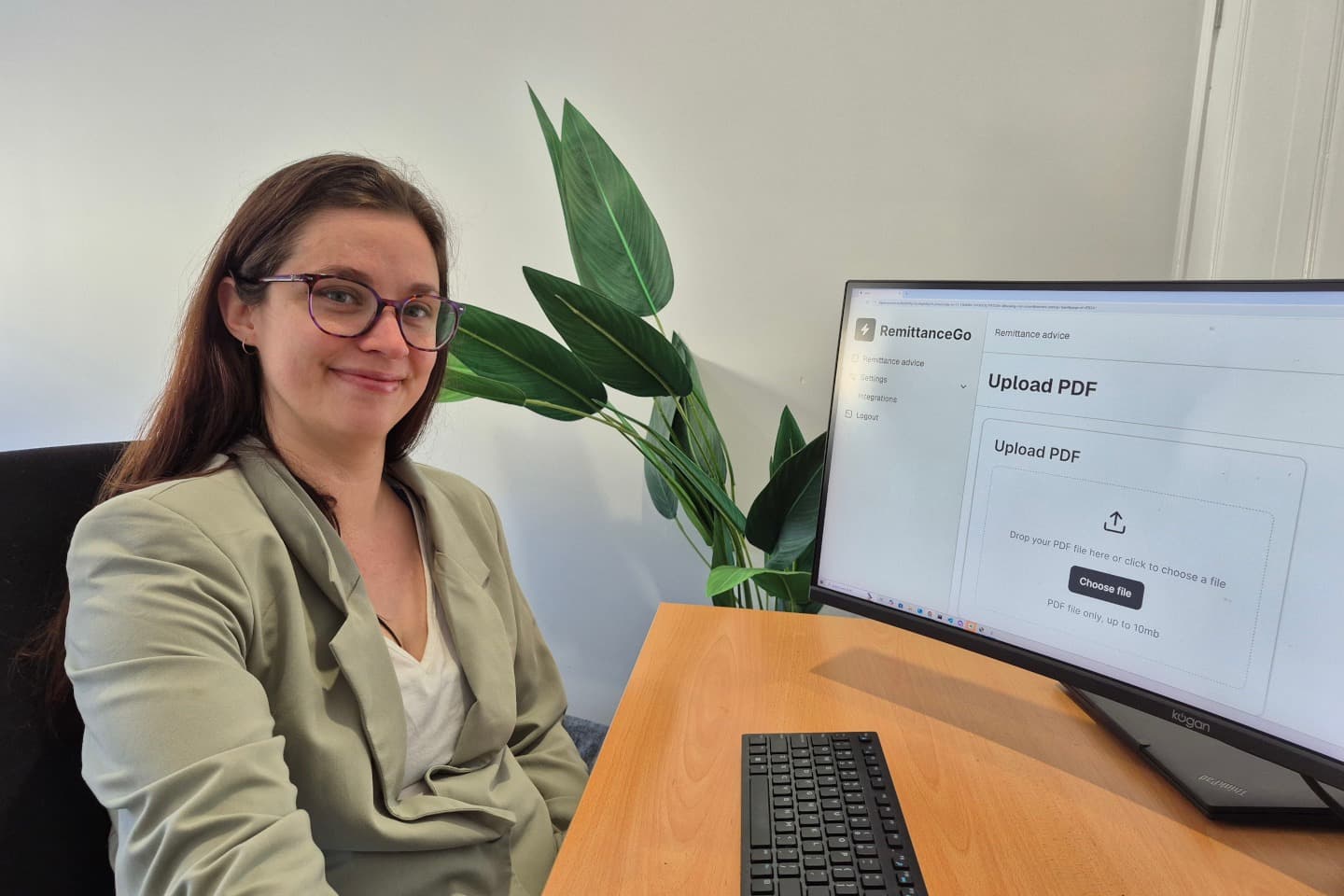
Step 1 - Upload the Support at Home remittance
Upload the PDF remittance advice from your Registered Provider. Remittance Go recognises Home Care and Aged Care formats and begins extraction immediately.
Step 2 - Extract participant payment data
Every participant name, service date, and invoice amount is extracted from the document and matched against your open Xero invoices — no manual line-by-line checking required.
Step 3 - Review for discrepancies
Short-paid invoices, unmatched references, and split line items are flagged clearly before anything is posted. You see exactly what was paid and any differences from what was invoiced.
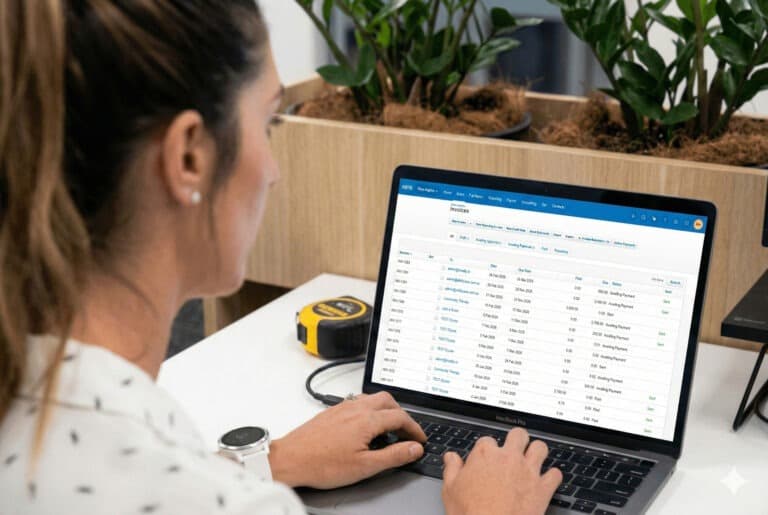
Step 4 - Batch payment in Xero
For example, 50 invoices covering dozens of participants totalling $28,000. Push this as a single batch payment in Xero — ready to reconcile against your bank feed.
More information
Reconcile Support at Home payments 10x faster and focus on your clients
There are better uses of your time than checking a Registered Provider's remittance line by line.
Built by people who've done it the hard way
Remittance Go was co-founded by Nathan Price, an Australian bookkeeper, and Scott Lynch, an Allied health professional. Between them, they spent years reconciling bulk payments from funding bodies manually. They built Remittance Go because they knew exactly what was being lost — and what a proper solution would look like.

Stop losing hours at the end of every month
When a Registered Provider pays on 30-day or EOM terms, month-end becomes a reconciliation mountain. One bulk payment covering 50 participants means 50 invoices to manually check — or 30 seconds with Remittance Go.
Accurate records across Xero and your practice software
Support at Home remittances are complex. Split line items, participant references, and bulk payment structures can all cause reconciliation errors. Remittance Go surfaces discrepancies before anything is posted to Xero, and syncs the result back to splose — so every record stays accurate.
“Month-end used to mean two days of chasing remittances from Registered Providers. Now we upload the PDF and Remittance Go has it done before we've had our coffee.”
Support at Home remittance questions
How is Support at Home similar to the NDIS for billing purposes?
Both programs pay via bulk batch payments. As a subcontractor or associated provider, you may send 50 invoices of varying amounts across the month — and the Registered Provider will consolidate all of these into a single bulk payment, accompanied by a Support at Home remittance advice PDF. Remittance Go processes that PDF and matches every line item back to your Xero invoices automatically.
Does it work with all Registered Provider remittance formats?
Yes. Our AI is format-agnostic. Whether the Registered Provider sends a modern digital PDF or an older system-generated report, Remittance Go can read the relevant data points and extract them accurately.
Can it handle 30-day or End of Month batch payments?
Absolutely. Remittance Go is designed specifically for high-volume batch payments where one bank transaction covers dozens of individual invoices across multiple participants.
What if the payment doesn't match my invoice amount?
Remittance Go flags discrepancies immediately. If a Registered Provider has short-paid an invoice, you'll see the exact difference on the review screen so you can follow it up before the next payment cycle.
Does it work with splose?
Yes. Once a remittance is reconciled in Xero, the payment status can flow back to splose or your clinical management software — so your participant billing records stay accurate without any double-handling.
Does Remittance Go create a batch payment in Xero?
Yes. Once you've reviewed the extracted payment lines and confirmed everything looks correct, Remittance Go creates a batch payment directly in Xero via the official API. Fifty individual invoices become one clean batch payment — ready to reconcile against your bank feed.
Ready to simplify your Support at Home reconciliation?
Start for free. No credit card required.