 Xero App Store Verified
Automate bulk payment reconciliation in Xero
Remittance Go processes bulk payment remittances covering dozens of invoices at once and reconciles them to your Xero invoices automatically — no manual matching required.
Start free — no credit card required →
Process Bulk Payment Remittances
One payment, dozens of invoices — upload the bulk payment document from any payer.
Process Bulk Payment Remittances
Suitable for general remittances, NDIS remittances, and everything in between.
Processing Queue
| Document | Status | Processing | Action |
|---|---|---|---|
bulk-payment-batch-1.pdf | In progress | Analyzing…(thinking) | Review |
health-fund-batch.pdf | In progress | Pondering…(thinking) | Review |
plan-manager-batch.pdf | In progress | Whirring…(thinking) | Review |
ndis-bulk-remittance.pdf | Ready to review | …(thinking) | Review |
insurer-bulk-remittance.pdf | Ready to review | …(thinking) | Review |
corporate-batch.pdf | Ready to review | …(thinking) | Review |
govt-agency-batch.pdf | Ready to review | …(thinking) | Review |
Process Bulk Payment Remittances
Suitable for general remittances, NDIS remittances, and everything in between.
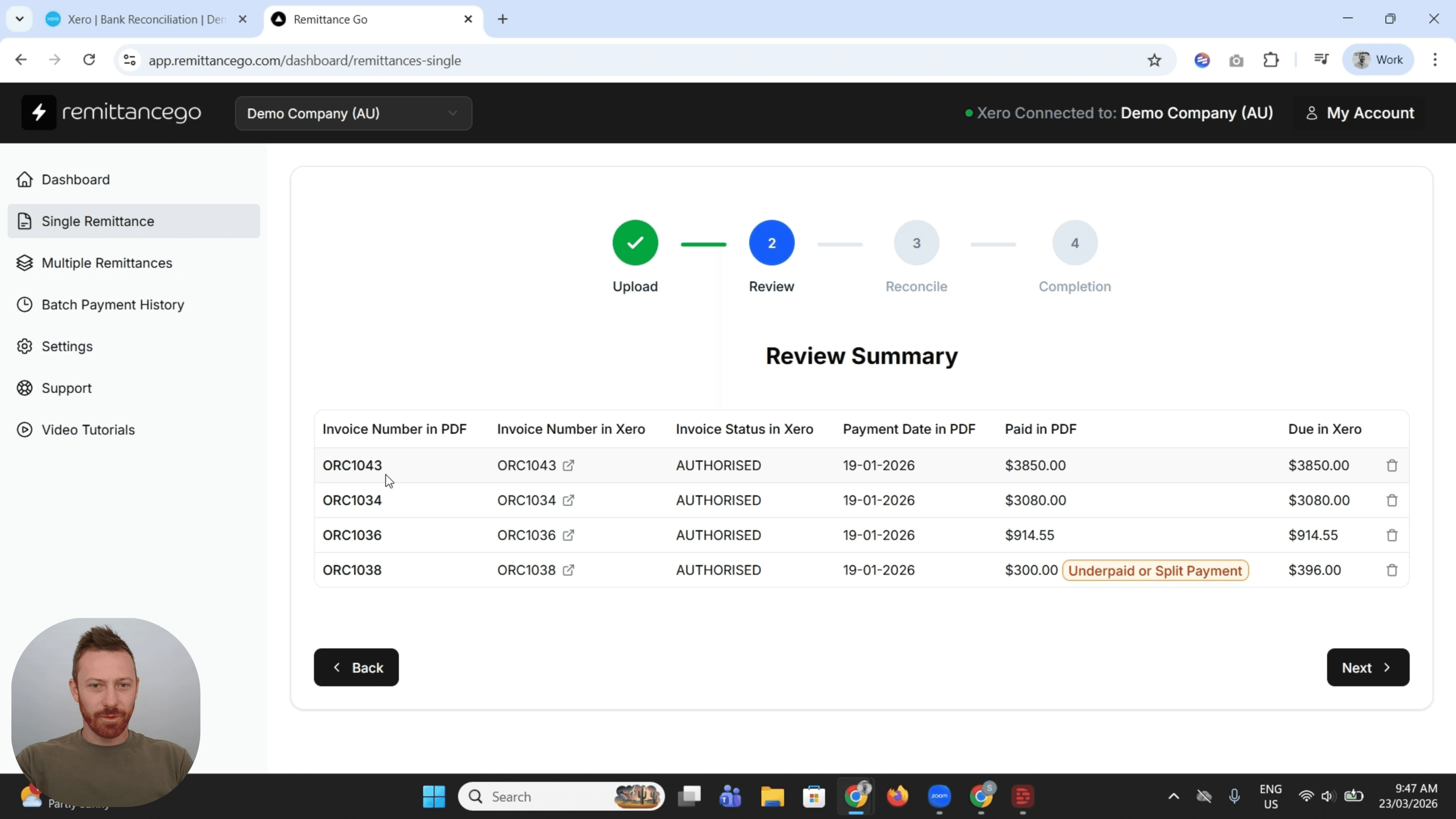
| Invoice Number in PDF | Invoice Number in Xero | Invoice Status in Xero | Paid in PDF | Due in Xero |
|---|---|---|---|---|
| INV-1044 | INV-1044 | AUTHORISED | $436.00 | $436.00 |
| INV-1046 | INV-1046 | AUTHORISED | $3255.00 | $3255.00 |
| INV-1051 | INV-1051 | AUTHORISED | $812.00 | $812.00 |
| INV-1049 | INV-1049 | AUTHORISED | $436.00 | $436.00 |
| INV-1099 | INV-1099 | AUTHORISED | $436.00 | $436.00 |
Process Bulk Payment Remittances
Suitable for general remittances, NDIS remittances, and everything in between.
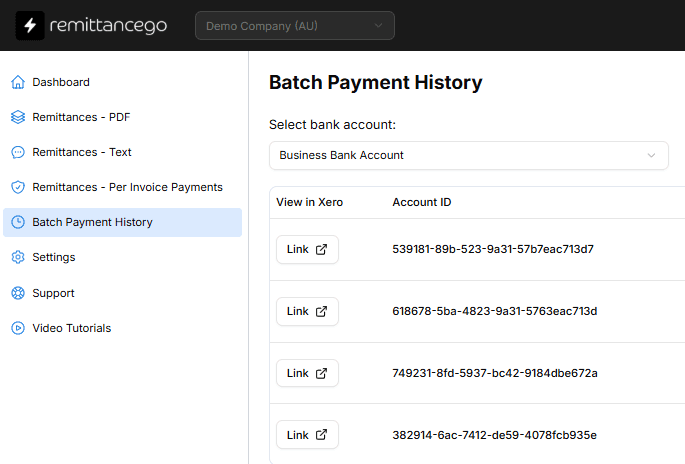
| Payments | Invoice ID | Amount |
|---|---|---|
| Remittance Go: X238939 | c36a246f-d307-474f-909f-4f42bf459768 | $436.00 |
| Remittance Go: X238940 | 4e5c81f4-79ec-40ba-9487-132692a0d447 | $612.50 |
| Remittance Go: X238941 | 9b2f7a13-6c4e-4a2d-8f91-3d5e7c8a1b6f | $890.00 |
| Remittance Go: X238942 | 71e0d4c9-2b8f-4e6a-9c3d-5a8f2e1b4c7d | $1,035.00 |
| Remittance Go: X238943 | 2d6a8f31-c4b7-4f2e-8a1d-6b9c3e7f5a4d | $717.50 |
| Total | $3691.00 |
Process Bulk Payment Remittances
Suitable for general remittances, NDIS remittances, and everything in between.
Process Bulk Payment Remittances
Suitable for general remittances, NDIS remittances, and everything in between.
Your batch payment has been successfully pushed to Xero.
How it works
From Bulk Payment to Reconciled Xero Invoices
Remittance Go extracts each invoice line from the bulk payment document, matches it to the corresponding invoice in Xero, and applies the full batch — automatically, with discrepancies flagged for review.
Step 1 - Remittance arrives
The bulk payment remittance is forwarded to Remittance Go — via email forwarding or direct upload.
Step 2 - Invoice lines are extracted
Each invoice reference, description, and amount is extracted from the payment document and structured for matching.
Step 3 - Matched at invoice level
Each extracted line is matched to the corresponding invoice in Xero — not pooled into a single bulk entry.
Step 4 - Applied to Xero, discrepancies flagged
The full batch is posted to Xero with each invoice correctly allocated. Underpayments and mismatches are flagged for review before anything is confirmed.
Faster Accounts Receivable for Bulk Payments
No two payers structure a bulk payment the same way. Remittance Go is built to read them all — so your team spends time on exceptions, not invoice-by-invoice matching.
Dozens of Invoices, Matched in Seconds
Bulk payments covering dozens or hundreds of invoices are reconciled automatically — no matter the size of the batch.
Errors You'd Otherwise Miss
Underpayments, adjustments, and invoice mismatches are flagged before anything posts to Xero.
Accurate Xero Records, Without the Manual Work
Remittance Go posts correct, invoice-level data to Xero automatically, keeping your accounts clean and your audit trail intact.
More information
Invoice-Level Accuracy, Every Batch Payment
There are better uses of your time than allocating a bulk payment invoice by invoice.
Invoice-Level, Not Pooled
Generic tools apply a bulk payment as a single lump sum against one invoice. Remittance Go matches at the invoice level — each line is reconciled to the correct invoice in Xero, keeping your records specific rather than pooled.
Discrepancies Surface Clearly
When a payer short-pays or adjusts a line within a batch, Remittance Go identifies it, matches it to the original invoice in Xero where possible, and flags it for your review before any correction is applied.
One Batch Payment, Dozens of Invoices
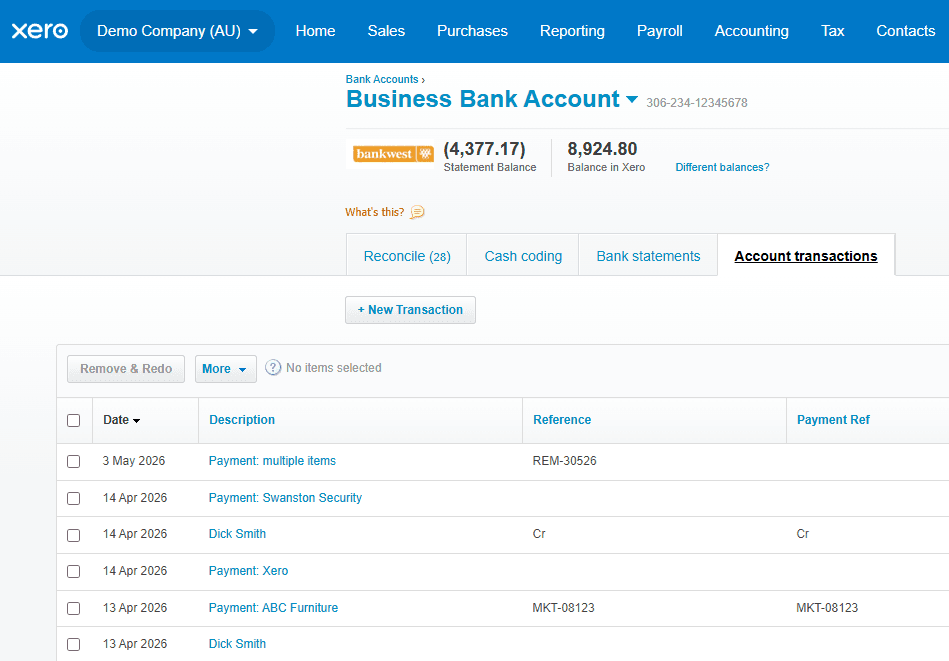
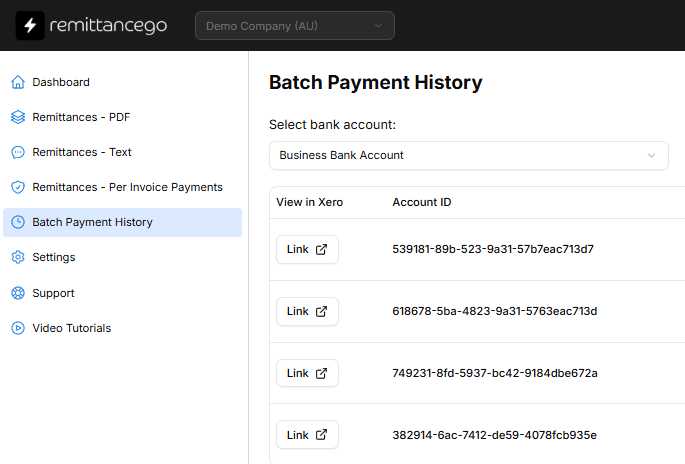
Remittance Go reads open invoices from Xero and posts matched payments back using the official Batch Payment API. A remittance covering dozens of invoices becomes a single batch payment, ready to reconcile against your bank feed.
“Bulk payments used to take our admin team half a day to allocate line by line. Now it takes minutes.”
Frequently Asked Questions
What format do bulk payment remittances need to be in?
Any format works. Remittance Go reads the structure of the document rather than relying on a template, so remittances from any payer are handled the same way.
How does Remittance Go handle dozens of invoices in a single payment?
Each invoice line is extracted and matched individually to the corresponding invoice in Xero. The bulk payment is reconciled as a batch — but each line is matched at the invoice level, keeping your Xero records specific.
What happens when a payer underpays or adjusts a claim?
Underpayments and adjustments appear as flagged exceptions. Remittance Go identifies them, matches them to the original invoice where possible, and flags them for your review before any correction is applied to Xero.
Is there a limit on how many invoices a single batch can contain?
No hard limit. Batches of 50, 100, or several hundred invoices post the same way as small ones.
How is the payment created in Xero?
Via Xero's official Batch Payment API — the same result as a batch payment created by hand, correctly named, dated, and referenced.
Stop processing bulk payments by hand.
Connect your Xero organisation and process your first batch payment free.